

Generate Thumbnail Images in a folder
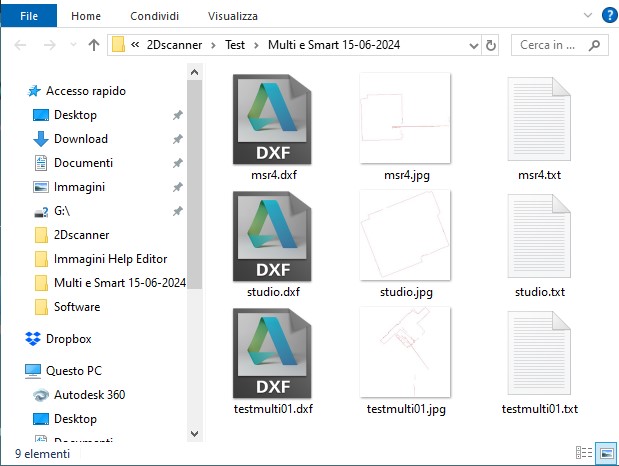
Just choose any file in the folder of interest. Editor will generate thumbnail images of 1000×1000 pixels in that folder so that you can easily navigate and find the scan you need. Each image has the same file name as the scan file, with the .jpg extension.
Colors
From here you can adjust the colors of the scan

The Assign Unique Colors button automatically assigns a different color to each scan, with separate colors for the points and for the detected lines. If you prefer the points and the detected lines to share the same color, tick the Same color Points-Lines checkbox.


